1. Join the Server
Open Minecraft Multiplayer, add Redstone Online using the server IP (copy below), connect and enter the world.
play.redstoneonline.net

2. Explore Spawn
Take a moment to explore the spawn area.
You’ll find useful information, server rules, and directions to help you begin your adventure.
3. Find Your Perfect Spot
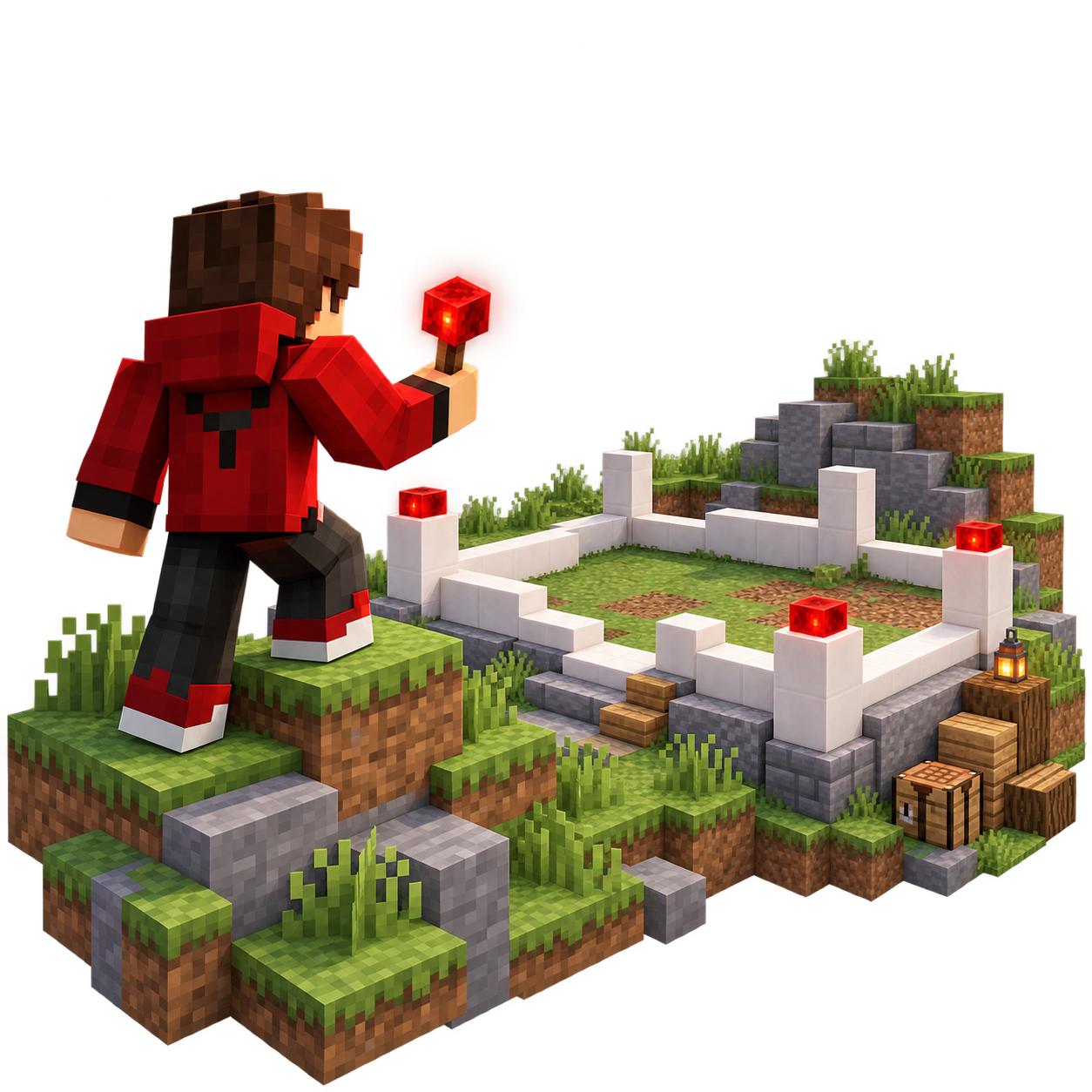
Travel beyond spawn and choose a place to call home. Find a great location, claim your land, and start building your first base.
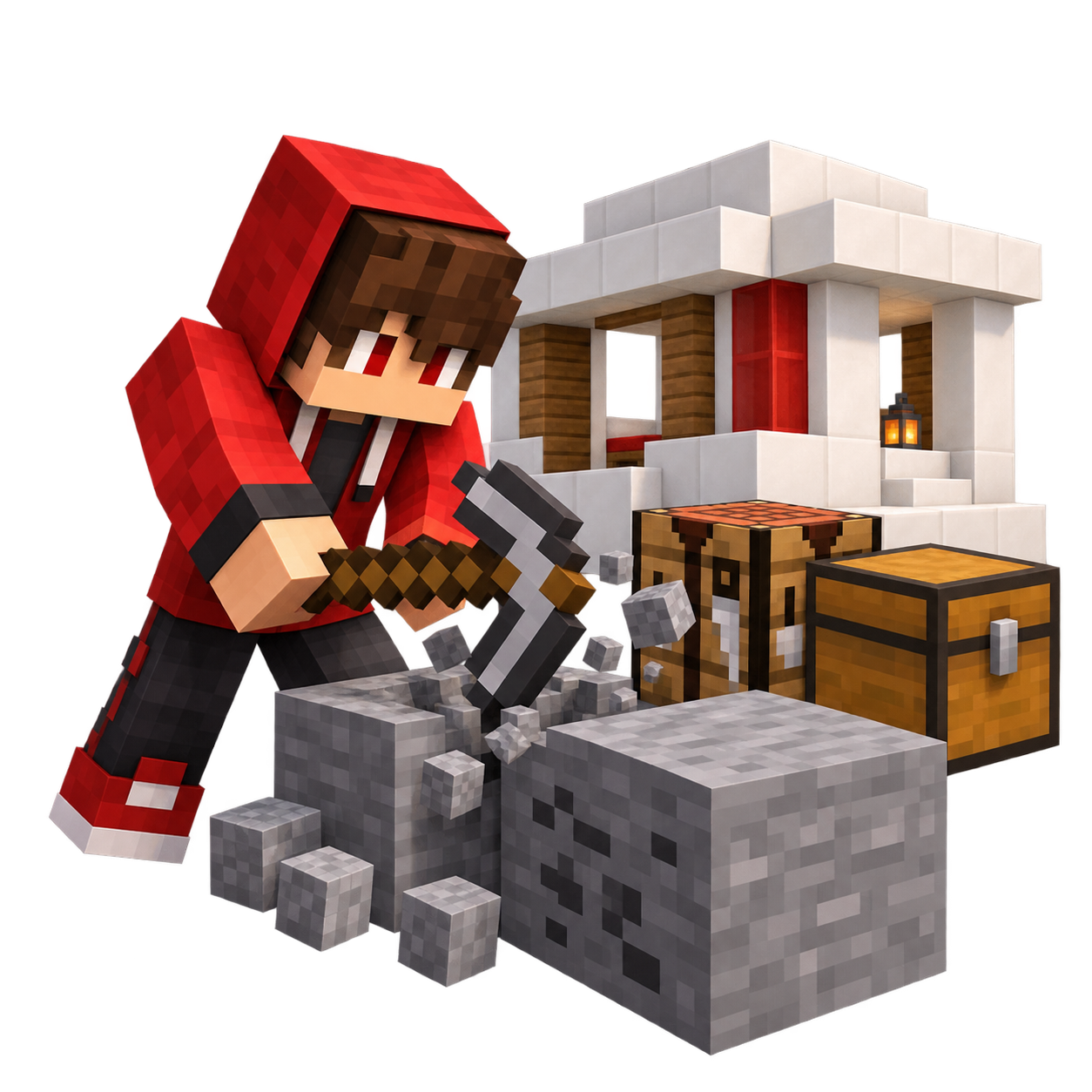
4. Gather and Build
Mine resources, craft useful tools, and build at your own pace. Whether you want a cozy starter home or a large-scale project, every great build starts with one block.
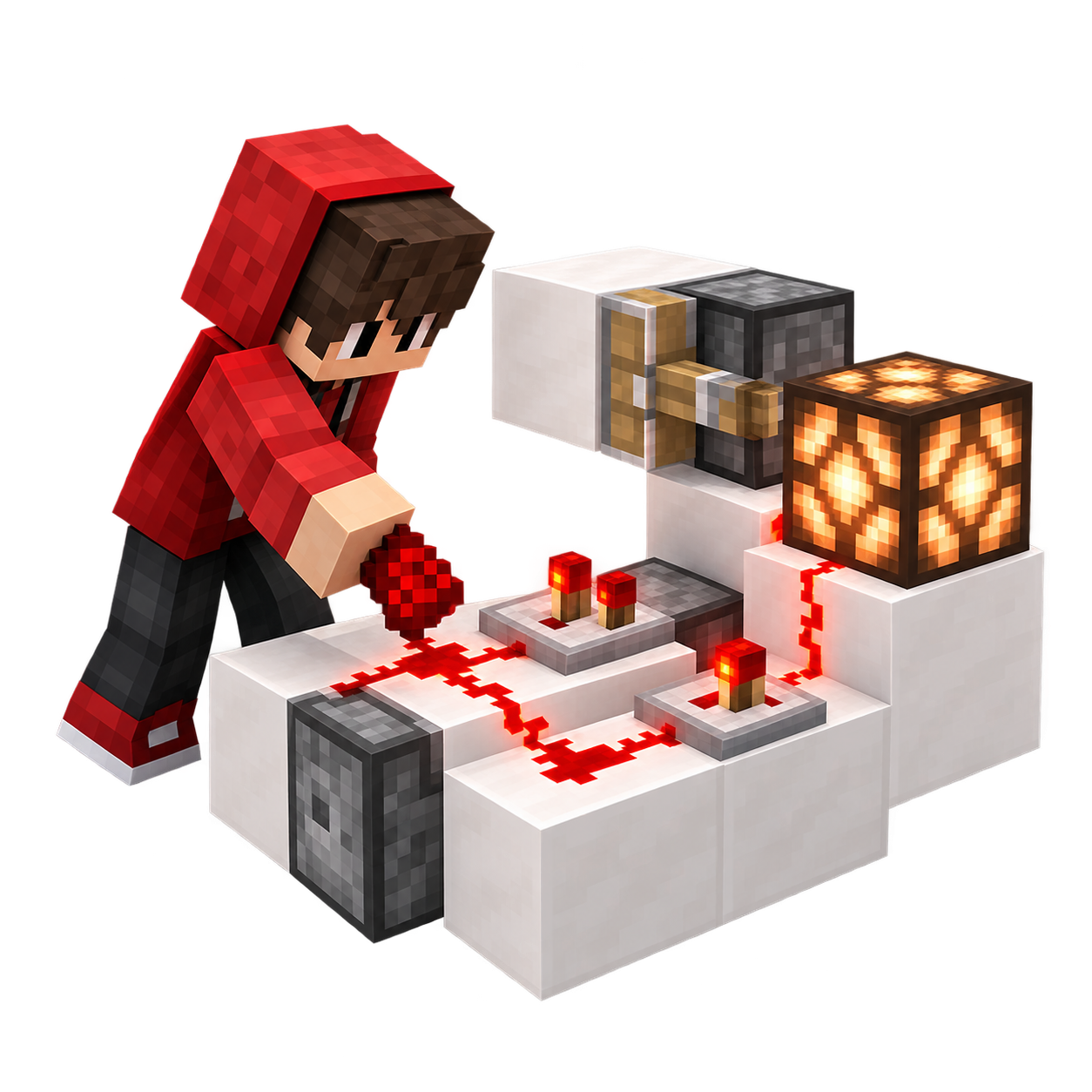
5. Bring It to Life with Redstone
Experiment with redstone to create farms, hidden entrances, storage systems. Learn as you go and turn your ideas into working creations.

6. Meet the Community
Say hello in chat, share your builds, trade resources, and join other players on community projects. Redstone Online is better when we build together.